
Plynx vs Adafruit IO
Adafruit IO or Plynx for your ESP32?
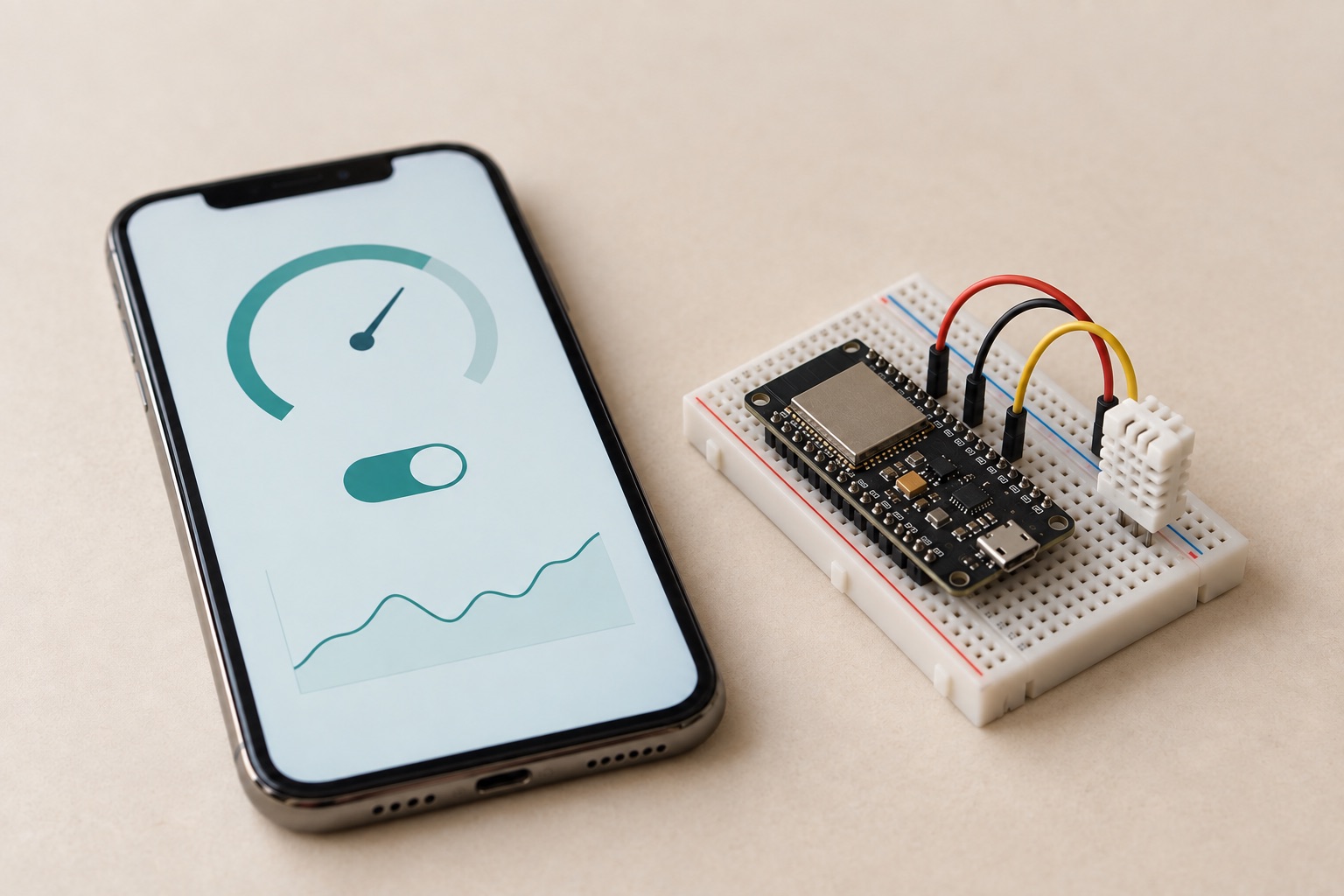
Adafruit IO gives an ESP32 a cloud dashboard. Plynx gives it a native iPhone control panel, with the option to run the server yourself.
At a glance
| Feature | Plynx | Adafruit IO |
|---|---|---|
| Native iPhone control panel | yes | browser dashboard |
| Build the UI from board pins | yes | feeds and dashboard blocks |
| Home Screen, Lock Screen and Apple Watch controls | yes | ✕ |
| Run the server on your own network | yes | ✕ |
| Direct iPhone-to-ESP32 Bluetooth control | beta | ✕ |
| Assistant that can read a live board pin | yes | ✕ |
| Free product with no subscription tier | yes | free tier; IO+ is $99/year |
| Works in a browser, including Android | ✕ | yes |
| Large beginner tutorial library and hardware store | ✕ | yes |
Read from the sources at the bottom on . If something has changed, tell us.
Put the finished project on your iPhone
Adafruit IO gives your ESP32 a browser dashboard. Your sketch sends values to feeds, and you place blocks on a web page to read or control them.
Plynx gives your project its own iPhone control panel.
Add the board. Flash the starter sketch. Put a button, gauge or chart on the screen. Connect it to the virtual pin your code uses. The result feels like part of the project, not like a page you need to find in a browser.
Build from the board outward
With Adafruit IO, the feed comes first. Your sketch publishes a value to a cloud service. The dashboard reads that feed.
With Plynx, the board comes first. You create the interface around the values and controls in your sketch.
Plynx.virtualWrite(V0, celsius);That line updates the widget connected to V0. A control on the iPhone sends a value back to the virtual pin that your sketch handles.
This is a better fit when you are building a real device, not only logging sensor values. You can make a pump controller, a greenhouse monitor, a light panel or a workshop tool and give it an interface you will actually use every day.
Plynx is the better default for an ESP32 project
Plynx is the stronger choice when the main user is holding an iPhone.
It gives you a native dashboard instead of a browser page. It gives you Home Screen widgets, Lock Screen values and Apple Watch controls. It can connect directly to a nearby ESP32 over Bluetooth in beta. It also lets you run the server on your own Raspberry Pi when you want the project data to stay on your network.
The public Plynx server gets a project online quickly. Self-hosting gives you control later. You do not have to choose between a useful app and owning your setup.
Use Plynx when the project needs to feel finished
Choose Plynx if you want to:
- Control one or a few ESP32 boards from iPhone.
- Keep the firmware in C++.
- Build a dashboard around the hardware you made.
- See important values without opening a browser.
- Keep project data on your own network.
- Give a family member or customer a simple control panel.
- Ask Archimedes about the board while it can inspect the pin you mean.
Adafruit IO helps a board send data to a service. Plynx helps you turn the board into something people can use.
When Adafruit IO is the better choice
Adafruit IO makes more sense when browser access is a hard requirement. It also makes sense when an Android user needs the same dashboard.
It can also be practical when you are following a tutorial written specifically for Adafruit IO and want to reproduce it exactly.
If neither condition applies, Plynx gives an ESP32 a better home: a real app on the phone you already carry.
What Plynx does not do
Plynx is iPhone only. There is no Android app you can install today, and Adafruit IO runs in any browser, so for a household with mixed phones that difference decides it on its own.
We have nothing like Adafruit’s tutorial library, and we do not make hardware. Push notifications work only through the public Plynx server, not a self-hosted one, and the Apple Watch app relays through the iPhone, so the phone needs to be within reach.
Plynx
The better fit when
Choose Plynx if the project needs a proper iPhone control panel, local self-hosting, or a direct Bluetooth connection to an ESP32.
Adafruit IO
The better fit when
Choose Adafruit IO when browser access is a hard requirement, when an Android user needs the same dashboard, or when you are following one of their tutorials and want to reproduce it exactly. Their beginner learning material is the best on-ramp in this hobby.
Sources (5), read on September 6, 2026
- Adafruit IO free-tier limits, from the IO+ page FAQ on what happens when a subscription ends
your account will be restored to IO Free account limits. Right now that's 10 feeds, 5 dashboards, 30 days of data storage, and a 30 data points per minute data rate.
- Adafruit IO+ subscription price and what it unlocks, same page
Upgrading your account to IO+ gives you: 60 data points per minute, 60 days of data storage. Adafruit IO+ Subscription Pass - One Year $99.00
- Adafruit IO dashboard documentation
NOT FETCHED on 2026-09-06: page not read as static text. Linked for the reader, no figure taken from it.
- Plynx server
server.properties: user.devices.limit=50; minute-resolution history kept 10 days.
- Plynx on the App Store
price 0.0, formattedPrice Free, minimumOsVersion 18.6, no In-App Purchases listed.
Adafruit IO is a trademark of its respective owner. Plynx is an independent project, not affiliated with, endorsed by or sponsored by Adafruit IO. This page describes each product as documented on September 6, 2026, so you can pick the one that fits your project.