Give your ESP32 an iPhone control panel.
Set up your board in the app. It is easy. Then control it from your iPhone.
Built for ESP32. Also works with Arduino and ESP8266.
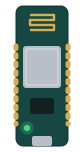
Auto setup
Get your board online.
- 1
Pick your board
Name your project and pick the board type. Choose how it connects, over Wi-Fi or Bluetooth.
- 2
Flash the sketch
When the board starts, it creates a setup network.
auto.ino #include <PlynxSimpleEsp32.h> void setup() { Plynx.begin(); } void loop() { Plynx.run(); } - 3
Finish the connection
The app sends the Wi-Fi password to the board. After setup, the board reconnects automatically.
Later, you can update the sketch over the air (OTA) from the browser editor. See how


Drag a widget. Bind it to a pin. Your hardware does the rest.
Dashboard
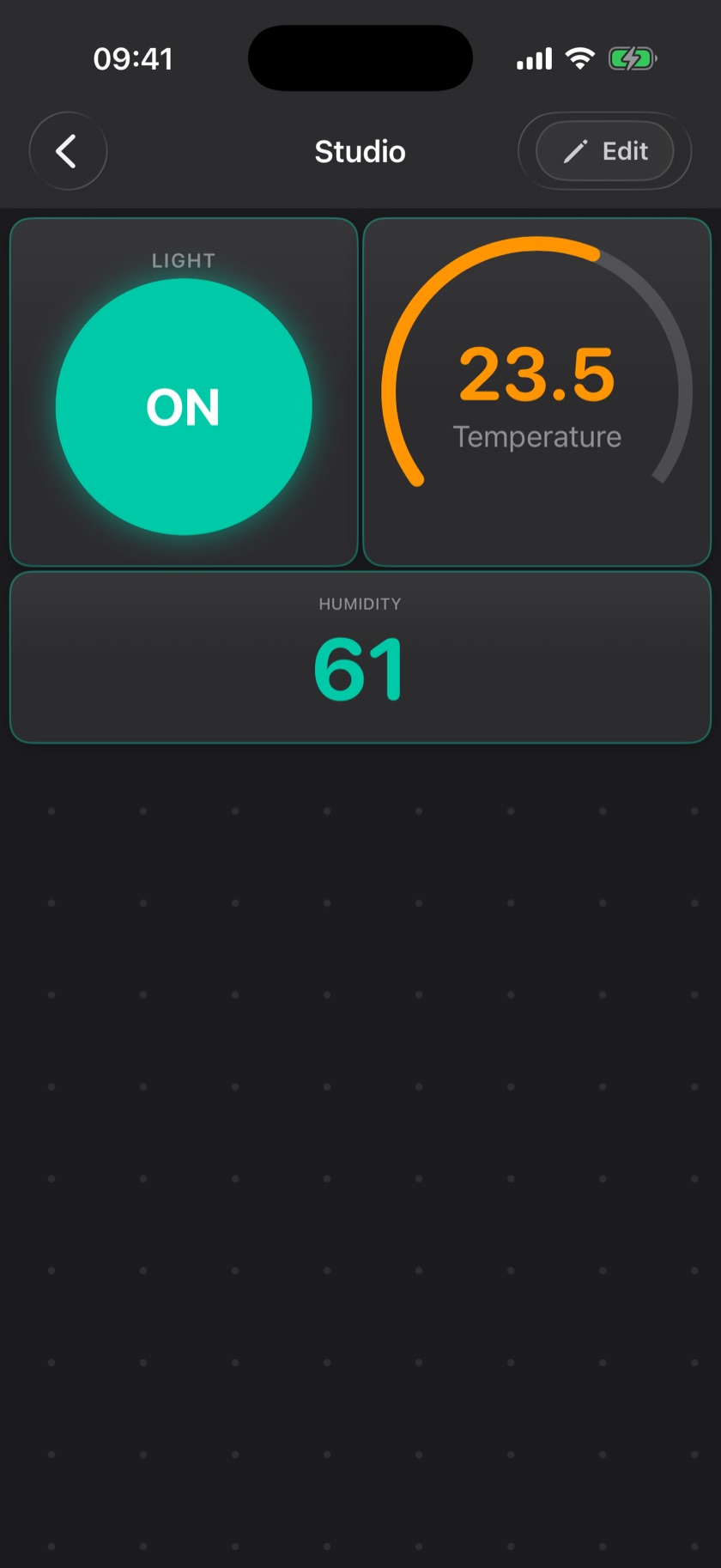
Control the thing you built.
A button on your iPhone controls a pin on your board. Gauges and charts can show what your sensors read.
See every widgetBluetooth
Control an ESP32 without Wi-Fi.
Bluetooth connects your iPhone directly to the board.
Read the Bluetooth guide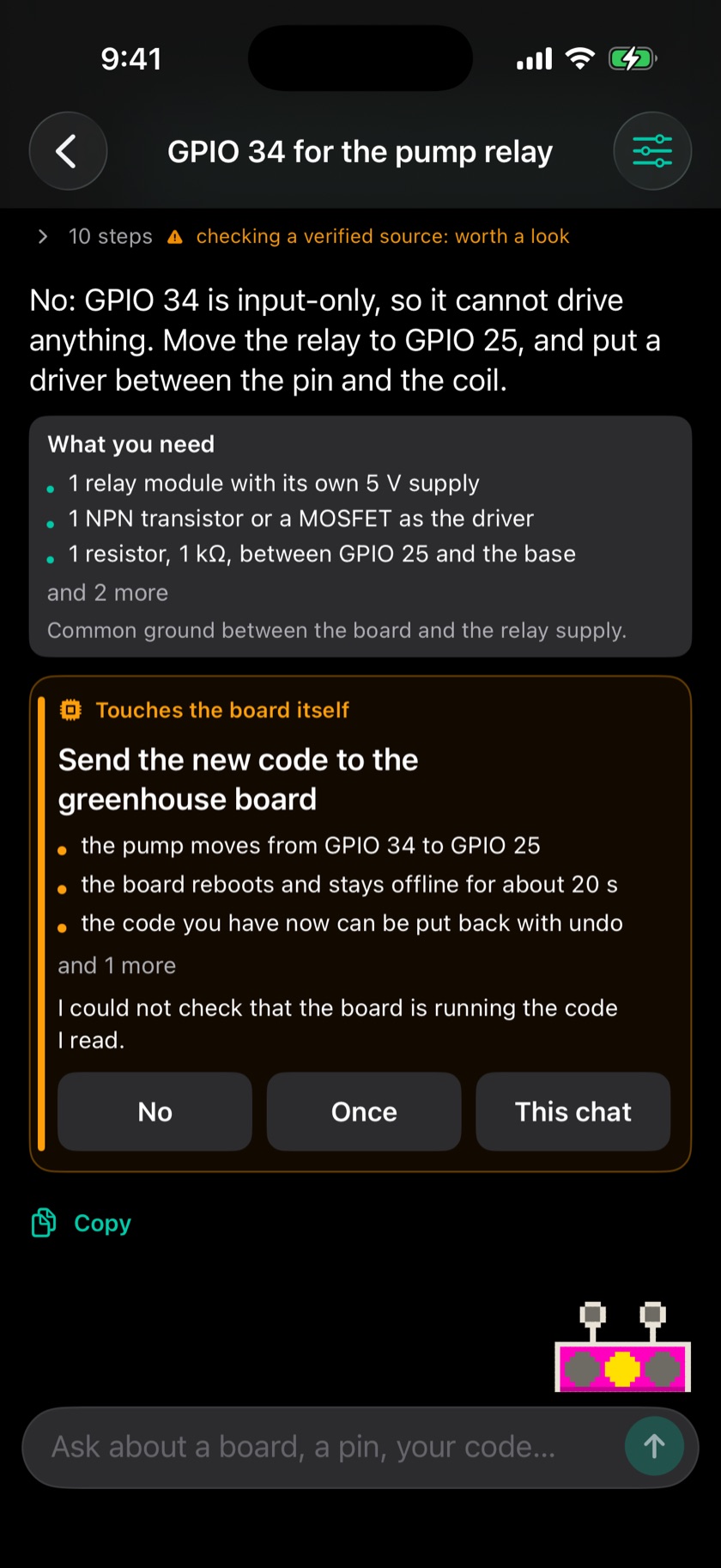
Archimedes
Ask Archimedes about your project.
Archimedes is your cloud agent, connected to the boards in your project. It answers about wiring, pins and code.
- Wiring
- It can read the module you have and tell you where each wire goes.
- Parts
- It lists what you still need to buy, minus what you already have.
- Code
- It can write the sketch and compile it before anything reaches the board.
- Dashboard
- It can lay out the widgets of your project for you.
- Pins
- It reads a pin on a running board, and it asks before it writes to one.
On your iPhone
Home Screen
Control a pin from your Home Screen.
Lock Screen
See the latest value on your Lock Screen.
Apple Watch
Read values and control pins from your Apple Watch.
Your server
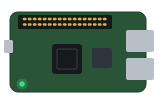
Run the Plynx server on a Raspberry Pi.
The Plynx server is one open-source JAR file. Host it on your own network and your project data stays there.
- It runs on a Pi Zero 2 W.
- Start with the public server. Move to your own server when you need it.
Using a VPS or an Ubuntu server instead? Read the Ubuntu guide


Start with your ESP32.
Get Plynx on your iPhone, then bring your board online.
Plynx is free and has no ads or subscriptions.