
Plynx vs Home Assistant
Home Assistant with ESPHome, or Plynx for the board on your bench
Home Assistant with ESPHome is built for a whole smart home. For one ESP32 you want on your phone today, the shape is different. A plain comparison of the two.
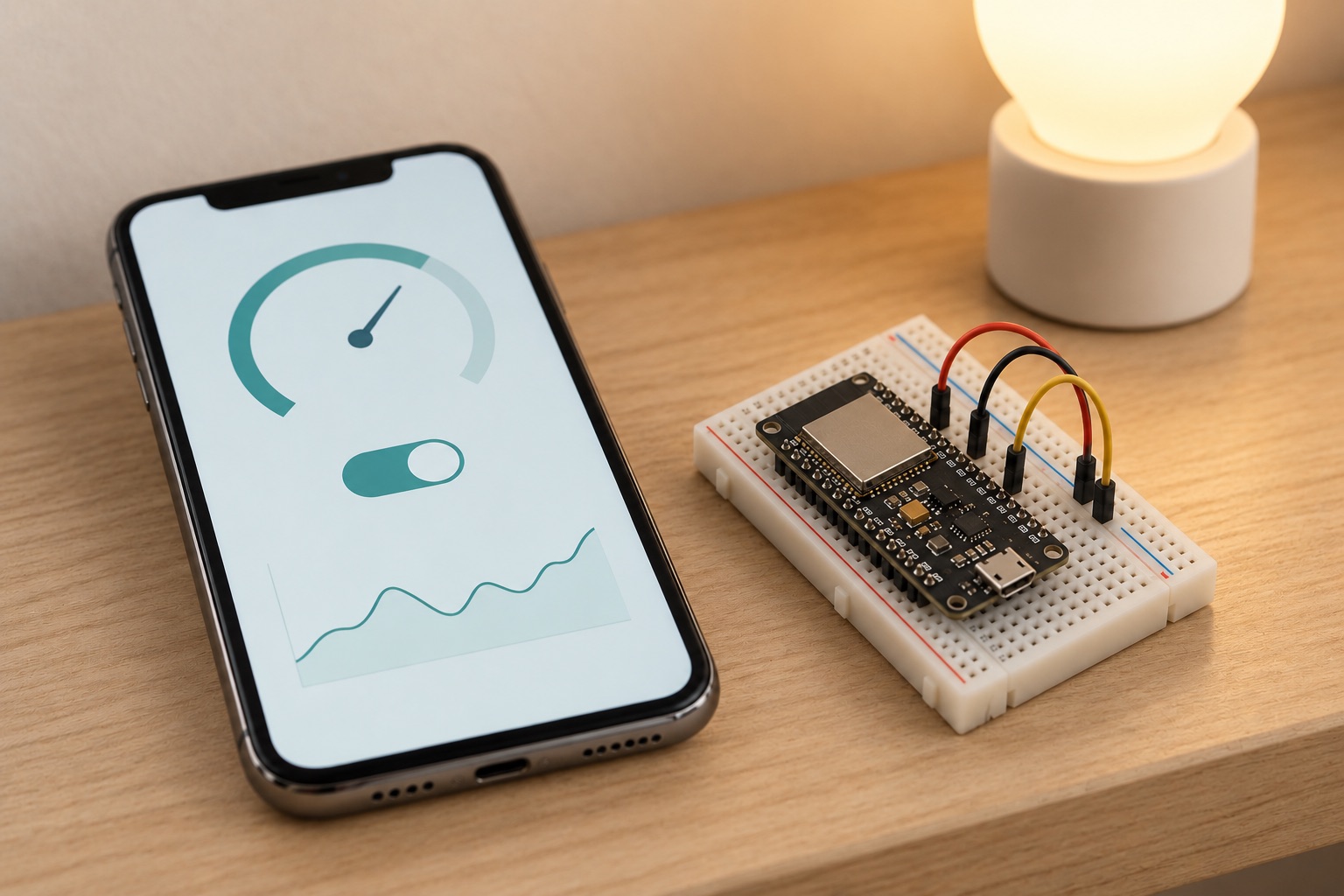
At a glance
| Feature | Plynx | Home Assistant |
|---|---|---|
| Write your own sketch in C++ | yes | YAML config (ESPHome) |
| Works with zero hosting | yes | ✕ |
| Nothing to update or keep alive | yes | ✕ |
| Dashboard built on the phone, widgets bound to pins | yes | ✕ |
| AI assistant that reads a live pin | yes | ✕ |
| Self-host on a Raspberry Pi | yes | yes |
| Whole house, commercial devices | ✕ | yes |
| Android | ✕ | yes |
| Free | yes | optional cloud 6.50 USD/mo |
Read from the sources at the bottom on . If something has changed, tell us.
Two different questions
Home Assistant answers “how do I run my whole house from one place?” It is free and open source, it runs on your own hardware, it keeps control local, and it connects to more commercial devices than any other project. Flash an ESP32 with ESPHome and your own sensor shows up next to the lights you bought in a shop. For that question it is the right answer.
Plynx answers a smaller question: “I built this one thing and I want it on my phone.” The app is the interface. You add a board, the app writes the sketch for you, and you drag a widget onto the canvas and bind it to a pin. There is nothing to install on a server and nothing to keep updated, because there is very little there.
Where Plynx is the better fit
Home Assistant can put a single board on your phone too, but you pay for a platform first. You install it, you keep it updated, you learn its vocabulary (entities, integrations, automations, and usually a bit of YAML), and then you design a dashboard. The companion app shows those dashboards well, but building a phone interface you like is real work on top of everything else.
With ESPHome the device’s behaviour is described in a YAML configuration that gets compiled. With Plynx you write the sketch yourself in C++, the way you would anyway. If you came to this hobby to write code for microcontrollers, that difference matters.
Plynx also gives you the native phone features: Home Screen widgets, a Lock Screen value, an Apple Watch app, and dashboards that keep the last known values when a board is offline. Archimedes, the assistant inside the app, can read a pin on the running board before it answers a question about it. And there is nothing to keep alive: no updates, no integration that breaks on upgrade, no host that has to be healthy for your button to work.
What each one asks of you
| Home Assistant + ESPHome | Plynx | |
|---|---|---|
| Runs on | a host you keep on and update | your iPhone, plus a server (ours or yours) |
| Firmware | an ESPHome configuration, compiled per device | a sketch you write, with one small library |
| Phone interface | the companion app, showing dashboards you design | the app itself |
| Reach | almost every smart home product | boards you flash yourself |
| Cost | free; the optional Nabu Casa cloud is 6.50 USD a month or 65 USD a year | free |
What Plynx does not do
Plynx is iPhone only, with no Android app available today. The Home Assistant companion app covers both platforms, and for a mixed household that alone decides it.
Plynx does not talk to commercial smart home gear. There is no Zigbee, Z-Wave or Matter support and no vendor integrations. It talks to boards you flash. There is nothing like the Home Assistant community either; their forums and documentation are the work of years and thousands of people.
Push notifications work only through the public Plynx server, the Apple Watch app relays through the iPhone, and automations belong to one project rather than acting as a house-wide engine.
The short version
Run both and let each do what it is shaped for. Home Assistant is the house. Plynx is the thing you are soldering this weekend, on your phone in about fifteen minutes.
Plynx
The better fit when
Plynx is the better fit when you have one or a few boards, you want them on your iPhone quickly with native widgets, you want to write the sketch yourself in C++, and you do not want to install, update and maintain a platform to get there.
Home Assistant
The better fit when
Home Assistant is the better fit when your projects sit alongside commercial smart home devices, when you want local control of the whole house, or when you want one place where a DIY sensor appears next to store-bought lights.
Using both
A very reasonable setup is Home Assistant for the house and Plynx for the boards on your bench. They only share the Wi-Fi, and neither has to know about the other.
Sources (4), read on September 6, 2026
- home-assistant/core on GitHub (licence and activity)
Apache-2.0, 90,287 stars, last pushed 2026-09-06.
- esphome/esphome on GitHub (activity)
11,653 stars, last pushed 2026-09-06.
- Nabu Casa pricing (the optional cloud subscription that supports development)
The monthly subscription costs 6.50 USD. The annual subscription costs 65 USD.
- Plynx on the App Store (price and requirements)
price 0.0, formattedPrice Free, minimumOsVersion 18.6.
Home Assistant is a trademark of its respective owner. Plynx is an independent project, not affiliated with, endorsed by or sponsored by Home Assistant. This page describes each product as documented on September 6, 2026, so you can pick the one that fits your project.