
Plynx vs Node-RED
Node-RED or Plynx for an ESP32 dashboard on your phone
Node-RED is a flow editor that runs on a server, with a dashboard you open in a browser. Plynx is an iPhone app that controls the board directly. Here is how they differ and how people use both.
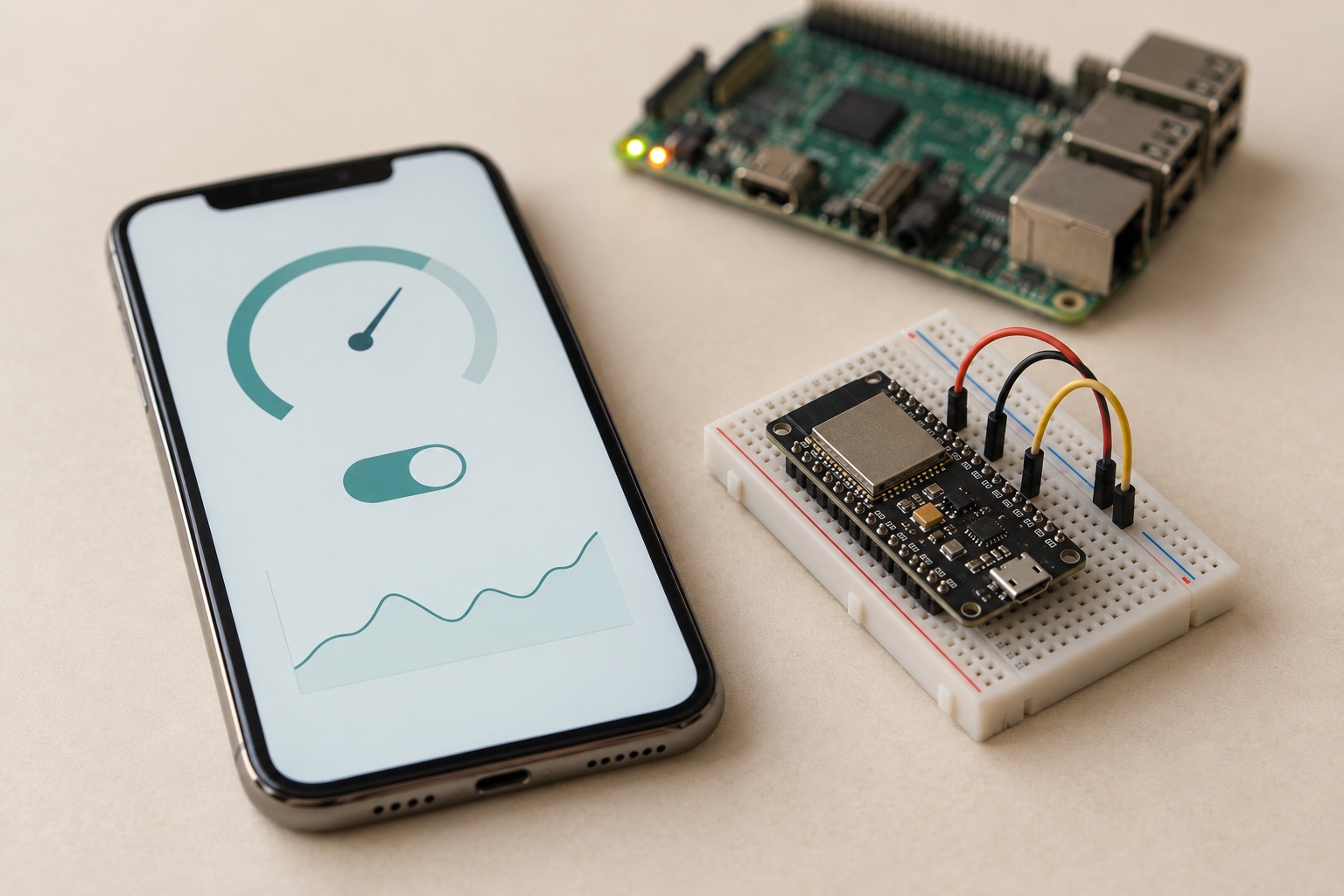
At a glance
| Feature | Plynx | Node-RED |
|---|---|---|
| Native iPhone app | yes | ✕ |
| Dashboard built on the phone, widgets bound to pins | yes | ✕ |
| Home Screen and Lock Screen widgets | yes | ✕ |
| Apple Watch app | yes | ✕ |
| Works with zero hosting (free public server) | yes | ✕ |
| AI assistant that reads a live pin | yes | ✕ |
| Self-host on a Raspberry Pi | yes | yes |
| Automation across many systems and services | per project | yes |
| Android | ✕ | in a browser |
| Free and open source | app free, library MIT, server GPL-3.0 | Apache-2.0 |
Read from the sources at the bottom on . If something has changed, tell us.
Two different starting points
With Plynx you start on the phone. The app is where you build the dashboard. Your ESP32, ESP8266 or Arduino runs a small library, and the widgets on your screen are bound straight to pins on the board. There is no web page to lay out and no server you have to run yourself, although you can if you want to.
With Node-RED you start on a server. You install it on a machine that stays on, often a Raspberry Pi, and you build your logic as a flow in the browser. The phone comes at the end: the Node-RED dashboard is a web page, and you open it in Safari like any other site.
Both are free. Plynx is a free app with no ads, no subscription and no in-app purchases, and its Arduino library is MIT licensed. Node-RED is open source under Apache-2.0 and is still actively developed.
Where a phone app is the better shape
The Node-RED dashboard works in a browser, but it stays a browser tab. It does not become a Home Screen widget, it does not show a value on your Lock Screen, and it does not have an Apple Watch app. Plynx has all three, along with more than 30 widget types and dashboards that keep the last known values when a board goes offline.
Node-RED also needs looking after. There is a host to keep running, updates to apply, and usually an MQTT broker running next to it. With Plynx you can start on the free public server and never think about hosting, or move to your own server later. The Plynx server is a single JAR file and runs on a Raspberry Pi if you want the data to stay at home.
And with Plynx the sketch stays yours. You write
Plynx.virtualWrite(V0, celsius) in your own code and a gauge moves. Nothing
in the middle has to be running for the value to exist. When you have a
question about the board, Archimedes, the assistant inside the app, can read
the pin you are asking about before it answers.
What Node-RED does well
Node-RED is at its best when the interesting part of your project is the logic. If you want something like “when the tank drops below 20 percent and it has not rained since Tuesday, run the pump for ten minutes and send me a message”, a flow is a natural way to express that. Plynx has rules and automations too, but they belong to one project and are kept simple on purpose.
It also connects to almost anything, with thousands of community nodes for MQTT, HTTP, serial ports, databases and most commercial services. And a debug node shows you the payload at each step, which is a real help when something breaks.
What Plynx does not do
Plynx is iPhone only. There is no Android app you can install today, so if your household uses both, that settles it and a browser dashboard is the better fit.
The Apple Watch app talks through the iPhone, so the phone has to be nearby. Home Screen and Lock Screen widgets show the last value the app saw rather than fetching a fresh one at that moment, although tapping a button widget does send a real command to your board.
Push notifications only work through the public Plynx server. If you host the server yourself, the App Store build cannot receive push from it. And the automations that keep running while your phone is off are the ones that live on the server; anything based on your location naturally needs the phone.
A setup that works
A common arrangement is Node-RED and an MQTT broker on a Raspberry Pi for the automation that has to keep running, and Plynx for the two or three boards you want to check and control from the sofa. If you would rather have everything in one box, the Plynx server can run on the same Pi.
Plynx
The better fit when
Plynx is the better fit when you have one or a few boards and you want them on your iPhone today, with real widgets, a Home Screen widget and an Apple Watch app, and no server to set up or maintain.
Node-RED
The better fit when
Node-RED is the better fit when your project is mainly about logic between several devices and services, when you are happy working in a browser on a laptop, or when you already run an MQTT broker and want everything in one flow.
Using both
Plenty of people run both. Node-RED handles the automation between systems, and Plynx is the control panel you carry around. They only share the network.
Sources (3), read on September 6, 2026
- node-red/node-red on GitHub (licence and activity)
Apache-2.0, 23,625 stars, last pushed 2026-09-01.
- Plynx on the Arduino Library Manager index
name: Plynx, version 1.0.6, license MIT, category Communication.
- Plynx on the App Store (price and requirements)
price 0.0, formattedPrice Free, minimumOsVersion 18.6, no In-App Purchases listed.
Node-RED is a trademark of its respective owner. Plynx is an independent project, not affiliated with, endorsed by or sponsored by Node-RED. This page describes each product as documented on September 6, 2026, so you can pick the one that fits your project.