
Plynx vs Schematik
Schematik or Archimedes: two AI assistants for ESP32 and Arduino projects
Schematik generates a complete build from a prompt. Archimedes stays in the conversation while you invent, alter, wire, test and run an ESP32 or Arduino project.
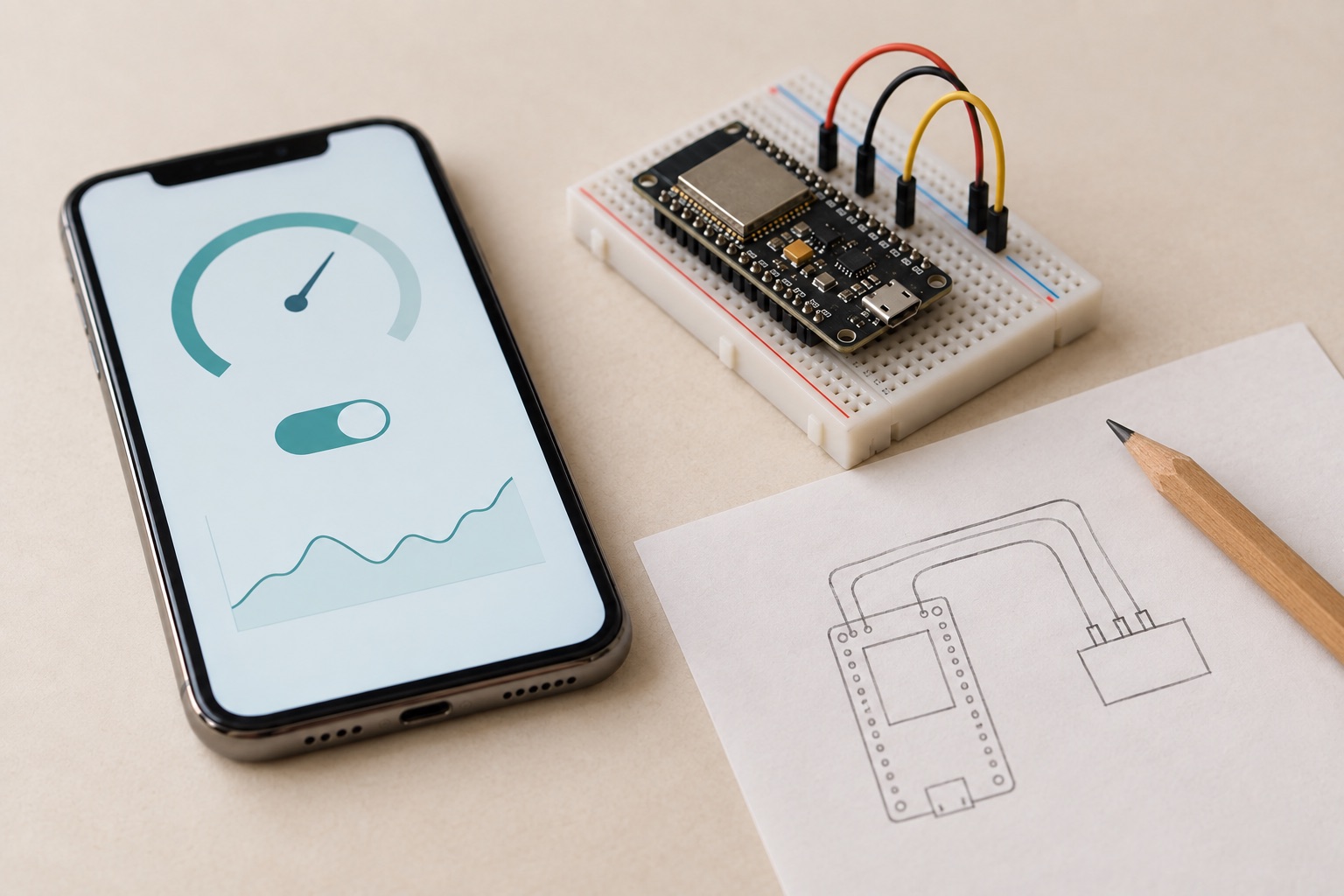
At a glance
| Feature | Plynx | Schematik |
|---|---|---|
| Draws a wiring diagram | yes | yes |
| Explicitly checks wiring for electrical faults | yes | not stated publicly |
| Refuses unverified board geometries instead of guessing | yes | not stated publicly |
| Reads a live sensor value from a running board | yes | ✕ |
| Writes to a pin only after asking permission | yes | ✕ |
| Builds the iPhone dashboard for the project | yes | ✕ |
| Lives in a native iPhone app | yes | ✕ |
| Writes the sketch | yes | yes |
| Published price | free | not found |
| Turns one prompt into a complete build package | conversation-led | yes |
| Printable assembly instructions | ✕ | yes |
| Raspberry Pi Pico support | ✕ | yes |
Read from the sources at the bottom on . If something has changed, tell us.
Most projects begin as a half-formed idea
You rarely start with a finished parts list and a final wiring diagram.
You start with something smaller: “I want to know when this plant needs water.” Or: “I want a light that turns on when someone opens the workshop door.” Then the idea changes. You discover a sensor you did not know about. You replace a part. You add a relay. You realise the board cannot power the load directly.
Archimedes is made for that part of the work.
You can think out loud, try an approach, reject it, and develop the project one decision at a time. It helps you turn a rough thought into a circuit, then redraws and checks the circuit when the thought changes.
Invent the project before you build it
Ask Archimedes how to wire a sensor and it draws the circuit inside the conversation. The diagram shows the components, pins, grounds and connections clearly enough to build from.
Then it checks the design.
It looks for missing grounds, pins that do not exist on the selected board, 5 V signals going into 3.3 V inputs, LEDs without resistors and loads that draw more power than the board can provide. It names the problem instead of silently changing the drawing.
That matters when you are still inventing the project. You can see the consequence of each design choice before you put a wire in the breadboard.
Archimedes also knows when not to pretend. It draws wiring only for board geometries it has verified: ESP32 DevKit, ESP8266 NodeMCU, Arduino Uno R3 and Arduino Mega 2560. For another board, it tells you that it cannot verify the layout instead of giving you a plausible-looking diagram that may be wrong.
Schematik generates a build. Archimedes develops one with you.
Schematik is built around a clear prompt and a complete result. Describe a finished idea and it returns code, wiring, pin assignments, a parts list and assembly instructions.
Archimedes takes a different role.
You can begin with a loose idea and keep reshaping it in the same conversation:
- “Could I use a capacitive sensor instead?”
- “What changes if the pump needs a relay?”
- “Can I move this to another pin?”
- “I only have a 5 V power supply. What else do I need?”
- “The sensor reads zero. What should I check first?”
Each question moves the design forward. Archimedes can redraw the wiring, check the new arrangement and help you decide what to try next.
The project stays yours. You choose the direction. Archimedes helps you explore the options, catch mistakes and turn each new version into something you can test.
| Moment in the project | Schematik | Archimedes |
|---|---|---|
| You already know exactly what to build | Generates a complete build package | Helps turn the plan into a sketch and dashboard |
| The design changes halfway through | Start again from the revised brief | Continue the conversation, redraw and re-check |
| You need a wiring diagram | Generates one | Draws one and checks it for electrical mistakes |
| The board is powered up | Flash the generated code | Read live pins, compile a sketch and diagnose the result |
| The project is finished | Build instructions and code | A native iPhone dashboard for using it |
Archimedes stays useful once the board exists
A diagram is only the beginning of a hardware project.
When the board is online, Archimedes can read a sensor value from it before answering your question. If the moisture reading looks wrong, it can inspect the pin now rather than answer from a hypothetical example.
It can write to a pin too, but it asks first. You see what it wants to do and choose whether to allow it once, for the whole conversation, or not at all.
It can also write and compile a sketch, then lay out the dashboard that controls the project. Buttons, gauges and charts live in the same iPhone app as the conversation.
That gives the project one place to grow:
- You imagine it.
- You develop the wiring.
- You test it on the bench.
- You make it useful on your phone.
When the one-pass package is the point
Schematik is the right shape for a fixed design that you want to generate, print and follow. It also supports Raspberry Pi Pico and offers a desktop app and public build guides.
Those are useful when the specification is already clear.
If you are still exploring the idea, changing the hardware, or trying to understand a board that is already running, start with Archimedes. It is there for the part of the project where the interesting decisions happen.
Limits and privacy
Schematik says it supports Arduino, ESP32 and Raspberry Pi Pico, and that it generates code, wiring diagrams and assembly instructions. Its public site did not show a pricing page at the usual paths when this page was checked.
Archimedes does not produce a complete printable assembly guide, and it does not support Raspberry Pi Pico. Plynx is iPhone only. Its verified wiring layouts currently cover ESP32 DevKit, ESP8266 NodeMCU, Arduino Uno R3 and Arduino Mega 2560.
Archimedes is optional. Nothing is sent to it until you write a message. To answer, Plynx sends your message, the conversation so far and the project data Archimedes reads to OpenRouter in the United States and to the operator of the model in use. If that gateway is unavailable, the request may go to DeepSeek in China. Sketch secrets such as authentication tokens are replaced with placeholders before they leave Plynx.
Plynx may use conversation content, in a form that does not identify you, to improve the Services and the assistant, including by training or tuning the models behind it. You can restrict, per conversation, which of your projects the assistant is allowed to read. China has no European Commission adequacy decision, and Plynx provides no additional safeguards for that transfer. Do not use Archimedes if you do not accept these terms. Read the full Plynx Privacy Policy before using it.
Plynx
The better fit when
Choose Archimedes when the idea is still taking shape, when you want to explore it through conversation, or when you need help with a board that is already powered up.
Schematik
The better fit when
Choose Schematik when the design is already settled and you want one complete build package to follow, or when you need Raspberry Pi Pico support.
Using both
Schematik gives you a build plan. Archimedes stays with the project from the first rough idea to the board on your bench.
Sources (6), read on September 6, 2026
- Schematik homepage, title and description
AI Hardware IDE for Arduino, ESP32, and Pico. Describe what you want to build and get code, wiring diagrams, and step-by-step hardware instructions in minutes.
- Schematik's own information page for AI assistants
Product tagline: Cursor for Hardware. Supported project families: Arduino Uno, ESP32, and Raspberry Pi Pico/RP2040 projects.
- Schematik pricing: no public pricing page at the usual paths
/pricing and /plans both returned HTTP 404 on 2026-09-06.
- Plynx privacy policy, section 2.8, on what may be done with conversations
We may use your conversations, in a form that does not identify you, to improve the Services and the assistant, including by training or tuning the models behind it.
- Plynx privacy policy, section 2.8, on what you control
In the conversation settings you can restrict, per conversation, which of your projects the assistant is allowed to read.
- Plynx on the App Store
price 0.0, formattedPrice Free, minimumOsVersion 18.6, no In-App Purchases listed.
Schematik is a trademark of its respective owner. Plynx is an independent project, not affiliated with, endorsed by or sponsored by Schematik. This page describes each product as documented on September 6, 2026, so you can pick the one that fits your project.